
It’s six in the evening. You’ve been in front of the screen for hours, your shoulders have crept up to your ears and the back of your neck feels loaded, as if you were carrying a rucksack. You get up from your chair and your body takes a few seconds to wake up. Sound familiar? Then this article is for you: let’s look at how to improve your posture at the computer and, above all, how to move more while you work.
The essentials in 30 seconds
- There’s no perfect posture at the computer: your best posture is the next one, the one that changes.
- Screen at 40–75 cm, top edge at eye level or slightly below, elbows at around 90° and feet flat.
- Micro-breaks (60–90 seconds every 30 minutes) are the habit that makes the biggest difference by the end of the day.
- On top of that, Spain’s INSST suggests breaks of 10–15 minutes for every 90 minutes of screen time.
What is the right posture at the computer?
The right posture at the computer is a comfortable, changeable starting position: back supported by the backrest, shoulders relaxed, elbows close to your body at around 90°, screen at eye level and feet on the floor. But no posture lasts eight hours: what matters most is changing position often.
You’ve been told a thousand times to “sit up straight”, but nobody stays straight all day. After twenty minutes you slide down in your chair, push your head towards the screen and rest your chin on your hand. It’s not a lack of willpower: your body is made to move. That’s why we keep repeating one simple idea: your best posture is the next one.
The goal isn’t to find the ideal posture, but to avoid getting stuck in any of them.
Signs you’ve been still for too long
- The back of your neck feels loaded and you catch yourself rubbing it.
- Your shoulders have crept up without you noticing.
- When you stand up, your lower back feels stiff and you need a few steps to loosen up.
- It’s harder to turn your head to look at a colleague or, later on, to park the car.
- Your eyes feel tired and heavy by mid-afternoon.
How should you set up your chair, screen and keyboard?
Adjust your chair first so your feet rest flat and your thighs are roughly horizontal. Then place the screen 40–75 cm away, with the top edge at eye level or slightly below. Finally, bring the keyboard closer, leaving more than 10 cm of desk in front to rest your forearms.
The order matters: if you start with the screen, you’ll have to readjust everything afterwards. These are the references given by Spain’s National Institute for Safety and Health at Work (INSST) and Spanish universities such as the University of Zaragoza.
| Element | Practical reference | How to check it in 5 seconds |
|---|---|---|
| Distance to the screen | Never less than 30 cm; for office screens, usually between 40 and 75 cm | With your arm outstretched, your fingertips just touch the screen |
| Screen height | Top edge at eye level or slightly below; reading area between horizontal and 40° below | You look at the middle of the screen by lowering your eyes slightly, not your head |
| Neck tilt | Between 0° and 25° | Your chin points neither at your chest nor at the ceiling |
| Arms | Upper arms vertical and forearms horizontal, elbows at around 90° | Your shoulders drop on their own, without rising |
| Keyboard | More than 10 cm free in front to rest hands and forearms | Your wrists aren’t left hanging |
| Legs and feet | Thighs roughly horizontal and feet flat on the floor | If your feet don’t reach, use a footrest or a box |

- 01HeightEyesTop edge of the screen at eye level
- 0240–75 cmDistanceRoughly an arm’s length
- 03≈ 90°ElbowsShoulders relaxed, not raised
- 04≈ 90°KneesFeet flat on the floor
- 05+10 cmDeskRoom to rest your forearms
- 06SupportedBackResting against the backrest
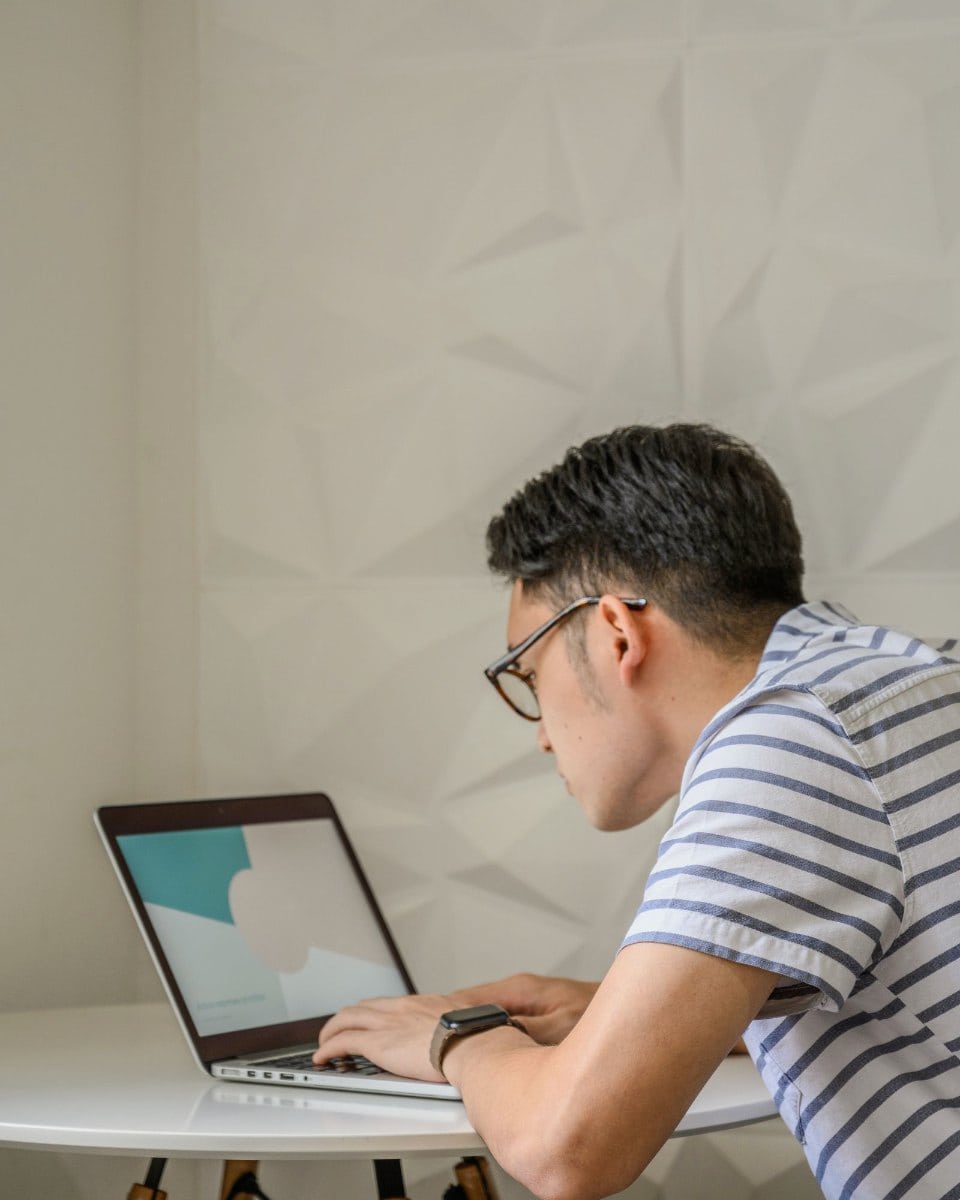
- The head moves forward of the shoulders
- The eyes drop towards a screen that is too low
- Shoulders and back round forward

- Looking straight ahead, screen at eye level
- Elbows close to the body, shoulders relaxed
- Back resting against the chair
- Feet flat on the floor
A tip for light and your eyes
Place the screen at right angles to the window to avoid glare. And remember that we blink far less in front of a screen: according to the University of Zaragoza, around 7 times a minute, compared with around 22 when we’re chatting. That’s why your eyes need a break too.
What are micro-breaks and how often should you take them?
Micro-breaks are 60- to 90-second pauses to change position, move your body and rest your eyes. We suggest one every 30 minutes, with a timer. On top of that, the INSST suggests longer breaks of 10 to 15 minutes for every 90 minutes of screen work.
The World Health Organization recommends limiting sedentary time and replacing it with physical activity of any intensity, even light. Getting up for a glass of water counts. Stretching in your chair counts too. The WHO estimates that 31% of adults worldwide don’t reach the recommended levels of physical activity.
The INSST adds a useful point: breaks should come before tiredness sets in, and it’s best not to make up for them by working faster afterwards. For tasks that require a lot of concentration, it suggests at least 10 minutes’ break every hour; for less demanding tasks, never less than one break every two hours.
The micro-break method, step by step
- Set a timer for every 30 minutes. On your phone or watch. If it goes off mid-sentence, finish the sentence and stop.
- Take a 60–90-second micro-break. Choose one or two moves from the routine below.
- Use the 20-20-20 rule for your eyes. The American Academy of Ophthalmology suggests looking at something about 6 metres away for 20 seconds every 20 minutes.
- Every 90 minutes, take a longer break. 5 to 15 minutes: walk around, take the stairs up a floor, step out onto the balcony.
Micro-break routine: 5 moves you can do in your chair
Gentle moves for healthy adults. Do them slowly, without forcing. If one doesn’t feel comfortable, skip it.
1. The slow “yes”
Sitting on the edge of your chair, slowly bring your chin towards your chest, return to looking ahead and then look slightly upwards. A small, controlled movement.
Dose: 6 slow repetitions · every micro-break
2. Shoulders away from your ears
Lift your shoulders towards your ears as you breathe in, draw them back and let them drop as you breathe out. Feel your upper back loosen.
Dose: 8 backward circles · every micro-break
3. Look over your shoulder
With your hands on your thighs, turn your trunk and head to one side as if you wanted to see who’s behind you. Come back to the centre and repeat on the other side.
Dose: 5 turns each side · 2–3 times a day
4. Open your chest
Interlace your hands behind your head, open your elbows and gently bring your chest forwards and up, without straining your neck. Hold for two breaths and come back.
Dose: 5 repetitions · every hour
5. Stand up and sit down
Stand up without using your hands and sit back down slowly, controlling the movement. It’s the simplest way to wake up your legs and hips.
Dose: 8 slow repetitions · every longer break
If you already wake up feeling stiff, combine this routine with our 5-minute routine to start the day moving freely.
What if you work on a laptop or from home?
With a laptop, it’s impossible to have both the screen and the keyboard at a good height. The most practical solution is to raise the laptop on a stand or a few books and use an external keyboard and mouse. If that’s not possible, alternate positions and take more micro-breaks.
Working from home has a catch: nobody interrupts you and you can go three hours without getting up. And the sofa feels comfortable for ten minutes, not for a whole morning.
- Raise the screen: top edge at eye level or slightly below.
- External keyboard and mouse: the best-value investment for working on a laptop.
- Change scenery: read emails standing up, take calls while walking.
- Create “fake trips”: leave your water bottle in the kitchen, not on your desk.
Checklist for ending the day feeling lighter
Before you start, spend a minute checking your chair, screen and keyboard. During the day, let the timer mark your micro-breaks. And when you finish, treat yourself to five minutes of movement before heading to the sofa or the car.
At the start of the day
- Feet flat and thighs roughly horizontal.
- Back resting against the backrest.
- Screen an arm’s length away and free of glare.
- 30-minute timer switched on.
During the day
- A 60–90-second micro-break every 30 minutes.
- The 20-20-20 rule for your eyes.
- A longer walking break every 90 minutes at most.
- Water within reach… but not too close.
At the end of the day
- Five minutes of walking or gentle movement.
- Ask yourself: how do my neck, shoulders and back feel today?
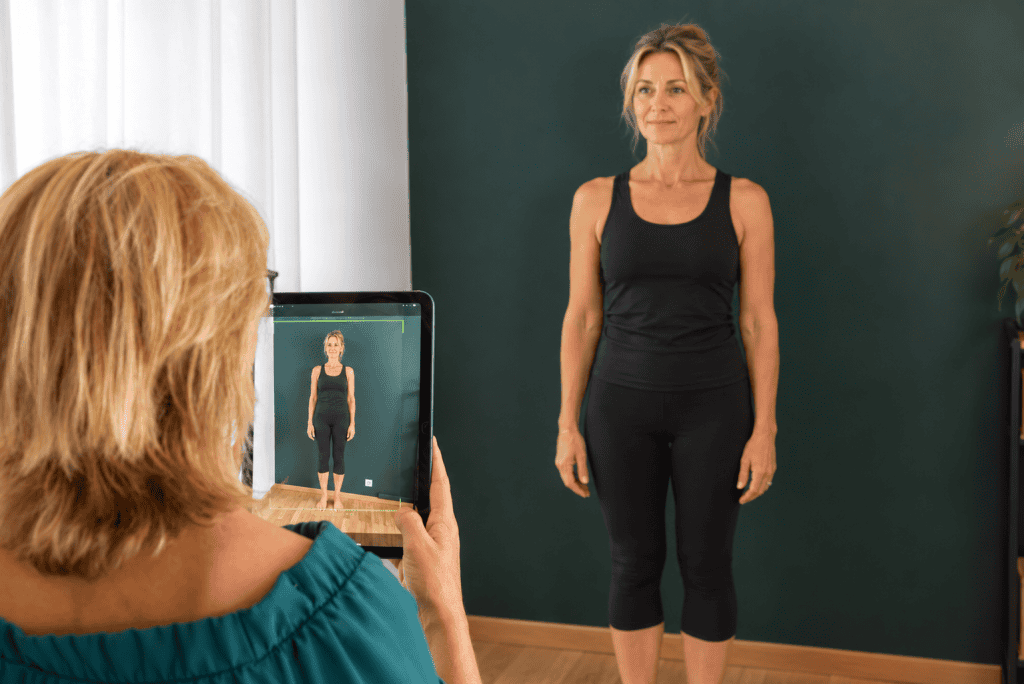
If your body still feels locked up at the end of the day, at our chiropractic centre in Barcelona, in the Eixample, and at our Malgrat de Mar centre we assess your mobility, strength, balance and posture and give you tips adapted to your workstation. And if your nights aren’t as restful as you’d like either, take a look at our guide to sleeping better: posture, pillow and mattress.
Important: this article offers general information about wellbeing and healthy habits. Chiropractic at Ôlin is wellness-focused and does not replace medical care. If you notice any symptom that worries you, please see your doctor.
Frequently asked questions
How high should your computer screen be?
The top edge of the screen should be at eye level or slightly below. That way you look at the middle by lowering your eyes slightly, without tilting your head forward or lifting your chin.
Is it better to work standing or sitting?
The best thing is to alternate. A sit-stand desk helps you change position, but standing all day isn’t the goal either. The key is not to spend too long in the same posture.
What is the 20-20-20 rule?
It’s a simple way to rest your eyes: every 20 minutes, look at something about 20 feet (around 6 metres) away for 20 seconds. It’s easy to combine with your micro-breaks.
How many hours in a row can you sit at a computer?
There’s no magic number, but the INSST suggests breaks of 10 to 15 minutes for every 90 minutes of screen time, and never less than one break every two hours. With micro-breaks every 30 minutes, the day feels much more manageable.
Want to know how your body is moving after so many hours sitting?
First visit: €80. It includes a conversation about your daily routine, a full assessment and a first chiropractic session, with no commitment. We look forward to seeing you in Barcelona (Eixample) and Malgrat de Mar.
Sources
- INSST (Spanish National Institute for Safety and Health at Work) — Frequently asked technical questions about computer work (in Spanish)
- University of Zaragoza, Occupational Risk Prevention Unit — Look after your posture when sitting at the computer (2017, in Spanish)
- World Health Organization — Physical activity: key facts (2024)
- World Health Organization — WHO guidelines on physical activity and sedentary behaviour: at a glance (2020)
- American Academy of Ophthalmology — Nation’s ophthalmologists offer tips for easing eye strain from too much screen time
- Hansraj KK — Assessment of stresses in the cervical spine caused by posture and position of the head, Surgical Technology International (2014)